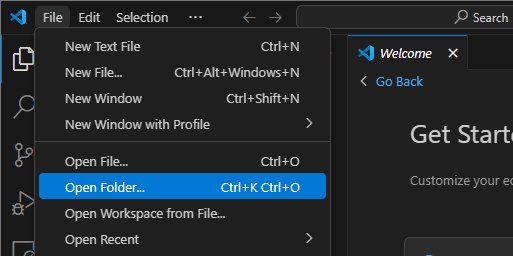
Open VSC and go to File › Open Folder. The keyboard shortcut for your operating system is displayed there as well, e.g., first Ctrl + k then Ctrl + o. In the window that appears, navigate to the folder you want to work in and open it.
If you are in a terminal, you can navigate to the desired folder using cd. Once there, you can open the folder in VSC using codium . (if you have VSCodium installed) or code . (for VSCode on Windows).
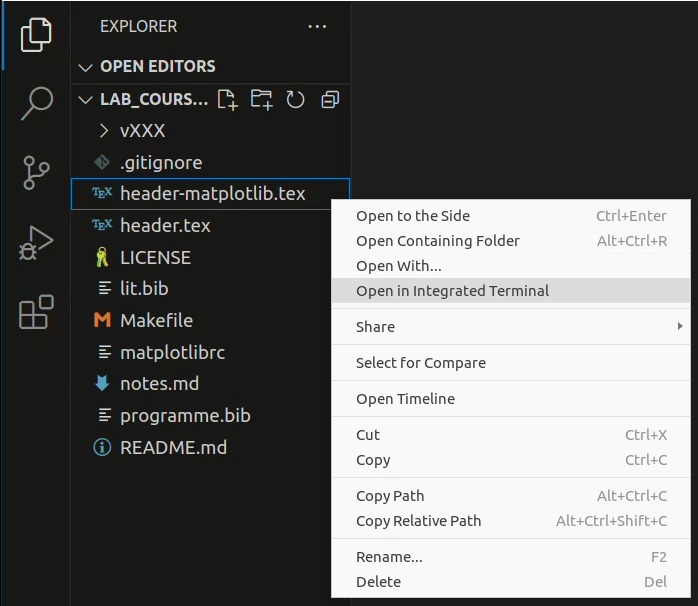
In VSC, you can open a terminal inside VSC by right-clicking on one of the files.